Checking Connectivity Plan Status
You can check your current Connectivity Plan status anytime in the Dronetag App (mobile or web):
Option 1 – From Home Screen
On the home screen with the map, tap your RIDER profile card to open the device detail screen.
You’ll see the current state of your Connectivity Plan usage.
Option 2 – From Profile
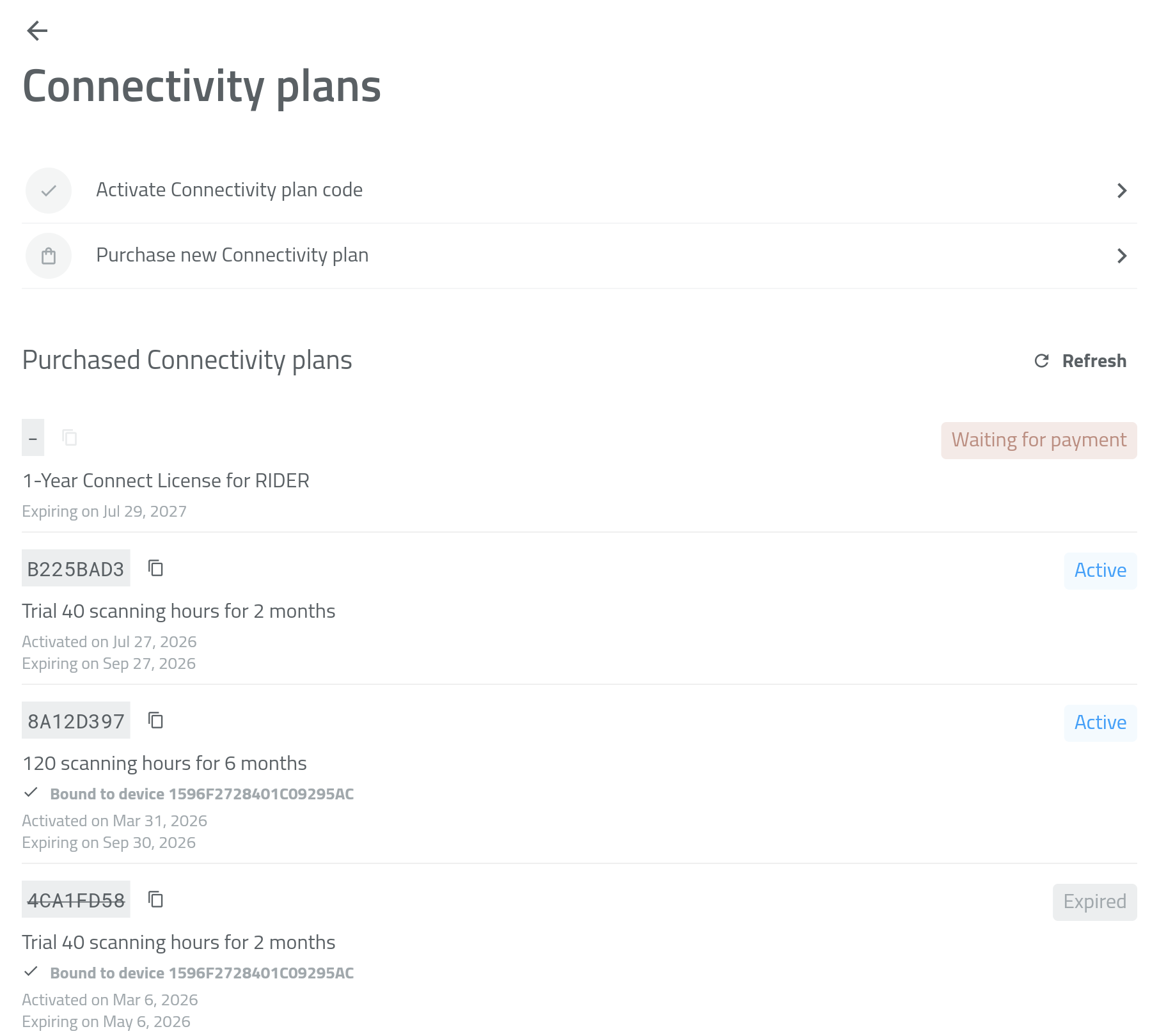
Open Profile → Account Details, where you’ll find a list of all your active, expired, or pending bundles.
What Happens When Connectivity Plan Expires
Once your Connectivity Plan runs out or expires:
- Cloud data storage is paused
- RIDER switches to Offline Mode
You can still scan drones via Bluetooth with the Drone Scanner (Gen. 2) app. Just don´t forget to turn LTE feature off in your RIDER´s Configuration page in Dronetag app.
To continue detecting in Online Mode, activate a new Connectivity Plan.
Learn how in the Purchasing a Connectivity Plan chapter.
Questions & Support
If you have any questions about your Connectivity Plan or account, we’re happy to help.
Contact our support team or email us directly at support@dronetag.com.
We’re here to make your Dronetag experience seamless.